The script you depend on is a script nobody can read
Open the workflow for your busiest project and look at the transitions. Somewhere in there is a Groovy script, a ScriptRunner condition, or a Jira expression that gates a status change, validates a field, or fires a post-step.
Now ask the hard question: who wrote it, and is that person still here?
For most teams, the honest answer is uncomfortable. The logic that runs your most important transitions was written by one person — often a contractor or an ex-employee — and the rest of the team uses it without fully understanding it. Nobody is confident enough to change it. So it sits there, untouched, accruing risk. It is load-bearing and undocumented at the same time.
This is the hidden cost of script-based workflows, and it has nothing to do with whether the script works today.
- -The knowledge lives in one head. Workflow logic written in a scripting language is only as maintainable as the person who can read that language. When they leave, the rule becomes a black box. Changing it means reverse-engineering someone else's code under pressure.
- -Scripts are brittle. A field gets renamed, a custom field ID changes, a permission scheme shifts — and a script that quietly assumed the old shape of the world starts failing silently or blocking the wrong people.
- -Upgrades and migrations break them. Every Jira upgrade, every plugin update, every Cloud migration is a moment where untested scripts can stop working. The team that can't read the script certainly can't tell you whether it survived the move.
- -Every change is a deployment. Want to add one more condition? That's a code edit, a test (if you're lucky), and a deploy — for a rule a stakeholder could have described in a single sentence.
The result is a workflow that looks automated on the diagram but is held together by code most of the organization treats as untouchable. You're not maintaining your process. You're maintaining a script, and hoping the process still matches it.
The shift: describe the rule, don't code it
Here's the premise behind Workflow Toolkit for Jira, and it's worth stating plainly: you should not have to learn a scripting language to express a workflow rule.
Every condition, validator, and post-function is, at its core, an intent — something a process owner can say in one breath. "Don't let this move to Done until every sub-task is done." "Block the close unless there's a resolution." "When this ships, notify the assignee and open a follow-up task in the docs project." Those are sentences, not scripts. The only reason they ever became Groovy is that, historically, Jira had no way to act on the sentence directly.
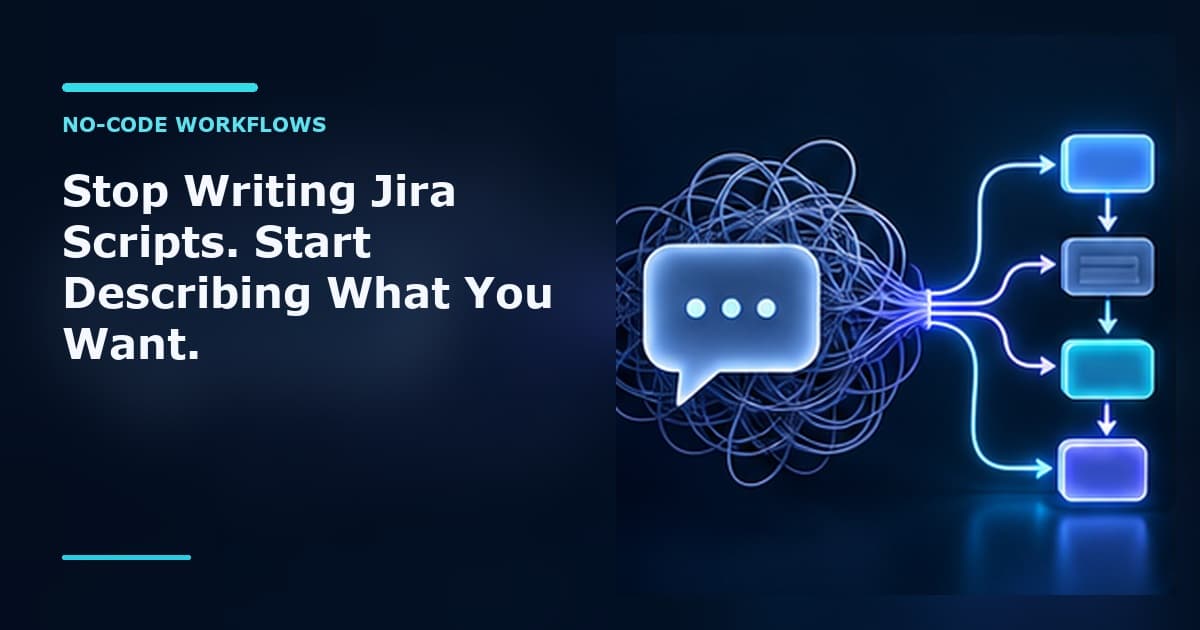
That constraint is gone. Natural language is now the interface for workflow logic. You write what you want in plain English; the AI does the translating. The rule stays readable forever, because the source of truth is the sentence — not a block of code three people can parse.
Scripts are the past. Natural language lives, because anyone who can describe the intent can own the rule.
What Workflow Toolkit actually does
Workflow Toolkit adds three AI-powered building blocks to your Jira workflows — the same three places Jira has always let you add logic: conditions, validators, and post-functions. The difference is the input. Instead of code, you give each one a description.
1. AI Conditions — "Only allow this transition when..."
A condition decides whether a transition is even offered to the user. With Workflow Toolkit, you describe the gate in plain English and the AI generates a native Jira expression that Jira evaluates on every transition attempt.
You write: "Only allow transitions to 'In Progress' if the issue has an assignee and is not blocked by any other issue."
Behind the scenes, the AI turns that into a Jira expression — something like issue.assignee != null && !issue.issuelinks.filter(l => l.type.name == "Blocks").exists() — and Jira evaluates it natively, the same way it would any built-in condition. You never see the expression unless you want to. You see the sentence.
Because the condition compiles down to a standard Jira expression, there's no runtime penalty and no external dependency at decision time — Jira itself decides whether to show the transition. And if a description ever can't be parsed, the condition fails open and allows the transition rather than locking your workflow.
2. AI Validators — "Block the move unless..."
A validator runs when a user attempts a transition and decides, with a clear yes/no, whether the issue is actually allowed to move — and gives the user a real reason when it isn't. This is where context-heavy rules live: the ones that depend on the state of the issue, not just one field.
You write: "Block the transition to 'Done' unless all sub-tasks are done and the resolution is set."
The AI reads the full issue context — summary, status, assignee, labels, custom fields, sub-tasks, links, available transitions, and more — and returns a decision plus an explanation. If a sub-task is still in progress, the user doesn't get a cryptic failure. They get:
"Cannot transition to Done: sub-task PROJ-124 is still In Progress, and the issue has no resolution set."
That message is generated from the rule you described, so it always explains the actual reason the move was blocked. Like conditions, validators fail open — if the AI's response can't be parsed, the transition is allowed rather than wrongly blocked.
3. AI Post-Functions — "After this transition, do..."
This is the most powerful of the three. A post-function runs after a transition succeeds, and Workflow Toolkit's version is genuinely agentic: you describe the actions you want, and the AI works through them step by step — up to 20 actions per transition — calling real Jira operations to carry out your instructions against the live issue.
You write: "When transitioning to 'Code Review', if the priority is 'Highest', create a sub-task called 'Security audit' and assign it to the security team lead. Otherwise, just add a comment saying 'Ready for review.'"
The AI reads the instruction and the issue context, recognizes which branch applies, and executes it — creating the sub-task and assigning it, or posting the comment. Every action is recorded to an audit trail, so you can see exactly what ran and why. Conditional logic, loops over related issues, multi-step sequences — all of it expressed as instructions, none of it as code.
The actions a post-function can take — describe it, it does it
The post-function isn't limited to one trick. You describe the outcome, and the AI chooses from a registry of real Jira operations to make it happen. Here's what it can do:
- -Transition an issue — move an issue to a different status as part of your instruction (for example, advancing a linked ticket once this one ships).
- -Add a comment — post a comment on any issue, with text you specify or text the AI composes from your instruction.
- -Edit issue fields — set or replace field values, or add and remove items (labels, components, and the like) without overwriting what's already there.
- -Create a sub-task — open a sub-task under the current issue with a summary, and optionally a description, assignee, priority, labels, and issue type.
- -Search issues with JQL — run a query to find related issues or gather data the rest of the instruction depends on (siblings under an epic, everything this issue blocks, and so on).
- -Link issues — create a relationship between two issues using standard link types like Blocks, Relates, Duplicate, or Cloners.
- -Create a standalone issue — open a brand-new issue in any project, with any issue type, optionally auto-linked back to the current issue.
- -Send a notification — email an update about an issue to the assignee, reporter, watchers, or specific people, with a subject and body.
- -Log work — record time spent on an issue in standard Jira format ("2h", "30m"), with an optional comment and start time.
Because these compose, a single plain-English instruction can do real work. Consider:
You write: "When transitioning to 'Released', find all issues that block this one, move them to 'Done' if they're in Testing, and comment 'Unblocked by this release' on each."
The AI searches for the blocking issues, transitions the ones in Testing, and comments on each — a multi-step routine you'd otherwise hand to a script. Or:
You write: "When this moves to Resolved, log 2 hours with the comment 'Code complete', add the 'resolved' label, email the assignee, and check whether the parent epic's other issues are also resolved."
Four distinct actions across three Jira tools, plus a JQL check — all from one sentence, all logged. You didn't write a function. You wrote the brief.
Why this beats scripting on every axis that matters
It's easier. The skill required to maintain your workflow logic drops from "can read and debug Groovy" to "can describe what should happen." That's not a smaller team of specialists — it's anyone who owns the process.
It's faster. Adding or changing a rule is editing a sentence, not editing code and redeploying. The process owner who wants one more guardrail doesn't file a ticket and wait for the one person who can touch the script. They describe it.
It's maintainable by anyone. The rule reads as the intent. Six months from now, when someone asks "why does this transition get blocked?", the answer isn't buried in code — it's the sentence sitting right there in the configuration. There is no knowledge locked in one head, because the rule is written in the language everyone already speaks.
It survives change. Conditions compile to native Jira expressions; validators and post-functions reason over the live issue context at run time rather than against assumptions frozen into old code. And the fail-safe design — conditions and validators that allow rather than block when something can't be parsed, post-functions that catch tool errors and keep going — means an edge case degrades gracefully instead of jamming your workflow.
You don't trade power for simplicity, either. Conditional branches, queries over related issues, multi-step sequences — the things people reached for scripts to do — are exactly what the natural-language modules handle.
The short version
For years, customizing a Jira workflow meant writing code that most of your team couldn't read, couldn't safely change, and quietly dreaded every upgrade. The scripts worked until they didn't, and the knowledge to fix them walked out the door with whoever wrote them.
Workflow Toolkit for Jira removes the scripting layer entirely. You describe the condition, the validator, or the post-function in plain English, and the AI builds it — readable, maintainable, and owned by the person who understands the process, not just the syntax.
Scripts are the past. Describe what you want, and let the workflow do the rest.